How to Make a One-Page Brief for a Couple Portrait
A practical way to agree on mood, consent, framing and clothing before exploring AI-assisted portrait ideas.
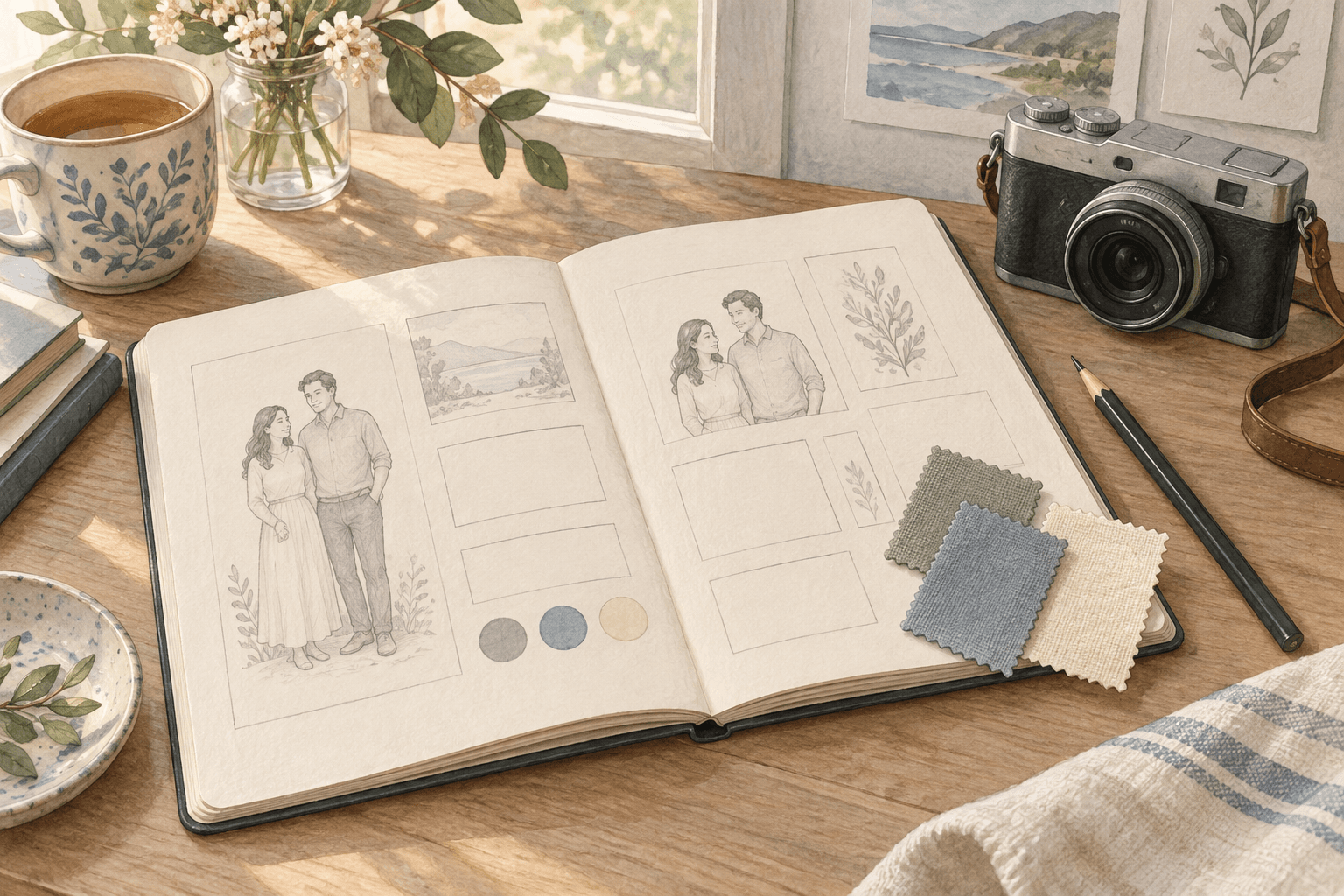
AI-generated concept illustration. This is planning artwork, not a sample result from either tool mentioned below.
Two people can agree that they want a beautiful picture and still imagine completely different things. One might picture a quiet, candid moment. The other might be thinking about an elaborate anniversary scene. Neither idea is wrong. They simply need a shared brief.
I recommend putting the important choices on one page before opening a creative tool. It turns “make something nice” into a small, understandable project. You can also use the same page when planning a real photo session.
Disclosure: Published by the Imya team. This guide mentions Imya and Tryonr and is not an independent review. It does not claim measured results or guaranteed image fidelity.
1. Decide what the picture is for
Start with the destination, not the style. A small private anniversary card and a public profile image have different requirements.
Write one sentence: “We want a relaxed portrait for a card that we will share privately.” That immediately narrows the crop, tone and audience. If the image is meant for a phone wallpaper, leave space where the clock and icons will appear.
You do not need to settle every technical detail. You do need to agree on what success looks like.
2. Write down the boundaries together
Permission is more useful when it is specific. Agree on which reference photos may be uploaded, what kinds of edits feel acceptable, and where the final image can be shared.
A simple boundary might be: “Clothing and background ideas are fine, but neither of us wants our body shape changed.” Another might be: “We will keep the generated concepts private and choose the final version together.”
Read a service's current privacy and upload information before submitting identifiable photos. If either person is unsure, use a sketch or a non-identifying mood board until you agree. Consent to be photographed is not automatically consent to every later use of the photograph.
3. Choose three visual priorities
Too many instructions can hide the main idea. Pick three things that matter most:
- Mood: warm and relaxed, rather than dramatic.
- Framing: a simple waist-up composition with room around both people.
- Palette: soft blue, cream and a small amount of green.
Keep “must have” separate from “nice to have.” A recognizable expression may matter more than the exact shape of a background lamp. This makes it easier to decide which draft is worth refining.
For a digital concept, you can explore couple portrait ideas with Imya using references you are permitted to use. Treat the generated image as a proposal to review, not a record of an event that happened.
4. Resolve clothing before adding more scenery
If the clothing colors compete, a more elaborate background rarely fixes the problem. Begin with pieces you own and a limited color palette. Matching exactly is optional; looking comfortable together is a more useful goal.
If you want to visualize a different clothing direction, Tryonr's AI clothes changer is one optional planning tool. Keep that exercise separate from deciding what to buy or what physically fits. A visual edit cannot establish fabric quality, comfort or garment measurements.
Try the actual outfit if you have it. Check sleeves, layers and movement in ordinary light. The brief should support real decisions, not replace them with a convincing-looking picture.
5. Review one draft against the brief
Look at the first draft before requesting more variations. Are both people comfortable with how they are represented? Does the crop work at the intended display size? Are faces, hands and clothing details plausible?
Write down one important change at a time. “Give us more space around the shoulders” is easier to evaluate than “make everything more natural.” Keep the original brief nearby so the project does not drift into a completely different scene.
If you share a generated result, label it honestly. Do not present an invented location or event as a real memory.
Copy this short brief
Purpose: Where will the image appear?
Audience: Private, family-only, or public?
Permission: Which photos and edits have both people approved?
Three priorities: Mood, framing, palette.
Clothing: Existing pieces first; preview ideas are not fit evidence.
Review: Both people approve the final image and caption.
The Bottom Line
A useful portrait brief is not a long prompt. It is a shared decision about what you want, what you do not want, and how the result will be used.
Start with those six lines. Then choose a real photo session, a sketch, or an AI-assisted concept according to the outcome you actually need. The tool comes after the agreement—not before it.
